How to pre-book without using the portal
- Monday March 30th 2026
- Merlin Annual Pass

This way of pre-booking many not be suitable for all Pass types. If this does not work for you and you cannot access the pre-booking portal on and up to the date of your visit, please still head to the attraction you’d like to visit and speak to a member of staff who can help you scan in.
Step 1: Visit our pre-book page here. (https://www.merlinannualpass.co.uk/pass-prebooks/)
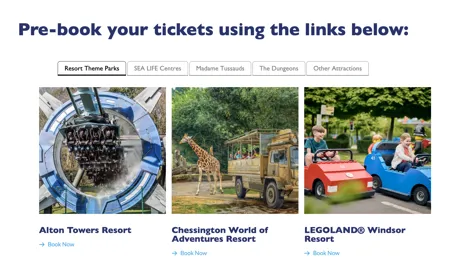
Step 2: Choose the attraction you’d like to visit by clicking “book now”. This will take you to a pre-book page on the attraction website.
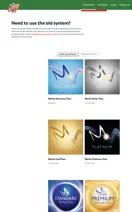
Step 3: Scroll down the page to the “need to use the old system?” section and select your Pass type. PLEASE NOTE: Essential Passholders should select the Silver option.
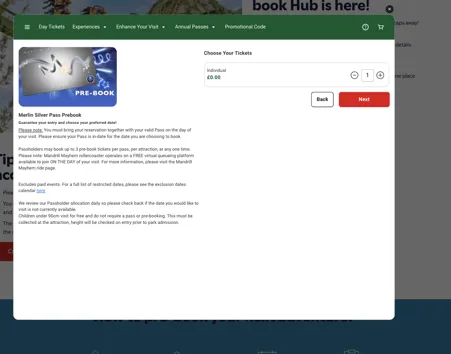
Step 4: Choose the number of tickets.
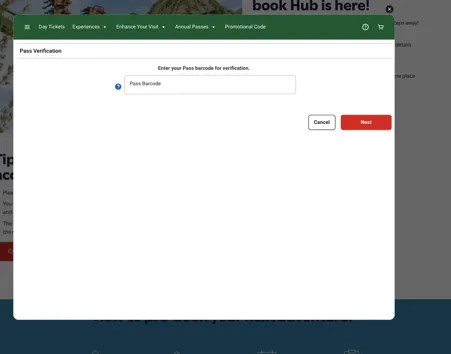
Step 5: Input your Pass number(s) and then fill in your details to confirm your booking.
And you're done! Please check your email for your booking confirmaiton.
